
If you're wondering how to speed up your laptop, you're not alone. Over time, both Windows laptops and MacBooks slow down due to software clutter, outdated hardware, and unnecessary background processes.
In this guide, you'll learn how to speed up your laptop using simple and effective methods that work for both Windows and macOS.

Why Is Your Laptop Running Slow?
Before learning how to speed up your laptop, it's important to understand the causes:
- Too many startup programs
- Low disk space
- Outdated operating system
- Malware or viruses
- Insufficient RAM
- Old HDD instead of SSD
1. Disable Startup Programs to Speed Up Laptop
One of the easiest ways to speed up your laptop is by disabling startup apps.
Windows
Open Task Manager → Startup tab → Disable unnecessary apps.
Mac
System Settings → Login Items → Remove unwanted apps.
2. Uninstall Unused Software
Unused apps consume memory and slow performance. Removing them helps improve laptop speed instantly.
3. Upgrade RAM for Better Performance
Upgrading RAM is one of the most effective ways to improve laptop performance.
- 4GB – Basic tasks
- 8GB – Recommended
- 16GB+ – High performance
4. Switch to SSD (Biggest Speed Boost)
If you're serious about learning how to speed up your laptop, switching to an SSD is essential.
5. Free Up Disk Space
Low storage directly affects speed. Delete temporary and unused files regularly.
6. Update Your Operating System
System updates improve performance and security.
7. Scan for Malware
Viruses can drastically slow your laptop. Use antivirus tools regularly.
8. Reduce Visual Effects
Disabling animations can help speed up your laptop, especially older devices.
9. Optimize Browser Usage
Browsers consume heavy RAM. Close unused tabs and remove extensions.
10. Restart Regularly
Restarting clears memory and improves system responsiveness.
11. Adjust Power Settings
Use High Performance mode to boost speed.
12. Defragment HDD (Windows Only)
This helps improve performance if you're using a traditional hard drive.
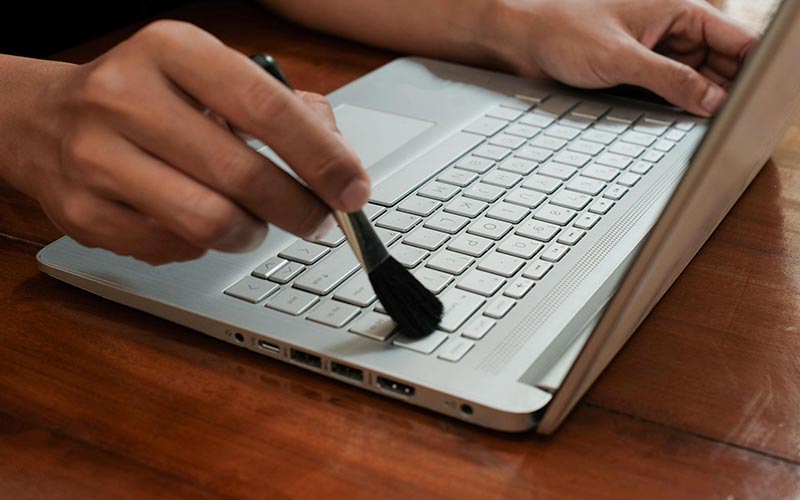
13. Clean Your Laptop Physically
Dust buildup causes overheating and slows down your laptop.
14. Reset Your Laptop
If nothing works, resetting your system can restore performance.
15. Keep Your Laptop Maintained
Regular maintenance is key to keeping your laptop fast.
Conclusion
Now you know exactly how to speed up your laptop using proven techniques. Start with simple steps like removing startup apps and cleaning storage, then move to upgrades like SSD and RAM.
By following these steps, you can significantly improve laptop performance without buying a new device.